Assignment 2: Work with Bitmap Images.
Objective
- Implement a flood fill algorithm
- Implement a blur effect
Part 1: Flood Fill Algorithm
Description
The flood fill algorithm starts from a given pixel and fills all neigbour pixels of the same color with a new color until it encounters a boundary color. Use a std::queue and a visited 2-d array.
Assume the maximum image size is 1000x1000 pixels.
Hint: Define the visited globally.
Assume a struct color values of r,g, b.
struct color{
    uint8_t r;
    uint8_t g;
    uint8_t b;
};
Pseudo Code for Non-Recursive Flood Fill with visited
function floodFill(image, startX, startY, fillColor):
    if startX or startY is out of image bounds:
        return
    startColor = image.getPixel(startX, startY)
    // You need to compare red with red, green with green and blue with blue
    if startColor == fillColor:
            return
    create an queue and add (startX, startY) to it
    create a 2D array `visited` of size (MAX_SIZE, MAX_SIZE) initialized to false
    mark (startX, startY) as visited
    while the queue is not empty:
        (x, y) = remove the first element from the queue
        mark visited[x][y] to true
        if image.get_pixel(x, y) == startColor:
            image.set_pixel(x, y, fillColor)
            for each neighbor (nx, ny) of (x, y):
                if nx and ny are within image bounds and not visited[nx][ny]:
                    add (nx, ny) to the queue
                    mark (nx, ny) as visited
Part 2: Square Blur Effect
Description
The square blur effect smooths the image by replacing each pixel’s color with the average color of all pixels within a square neighborhood of a specified size.
Pseudo Code for Square Blur
function applySquareBlur(image, blurSize):
    create a temporary image (blurredImage) as a copy of the original image
    halfSize = blurSize // 2
    for each pixel (x, y) in the image:
        totalR = 0, totalG = 0, totalB = 0
        count = 0
        for dy from -halfSize to halfSize:
            for dx from -halfSize to halfSize:
                nx = x + dx
                ny = y + dy
                if nx and ny are within image bounds:
                    neighborColor = image.getPixel(nx, ny)
                    totalR += neighborColor.r
                    totalG += neighborColor.g
                    totalB += neighborColor.b
                    count += 1
        averageColor = (totalR / count, totalG / count, totalB / count)
        blurredImage.setPixel(x, y, averageColor)
Code
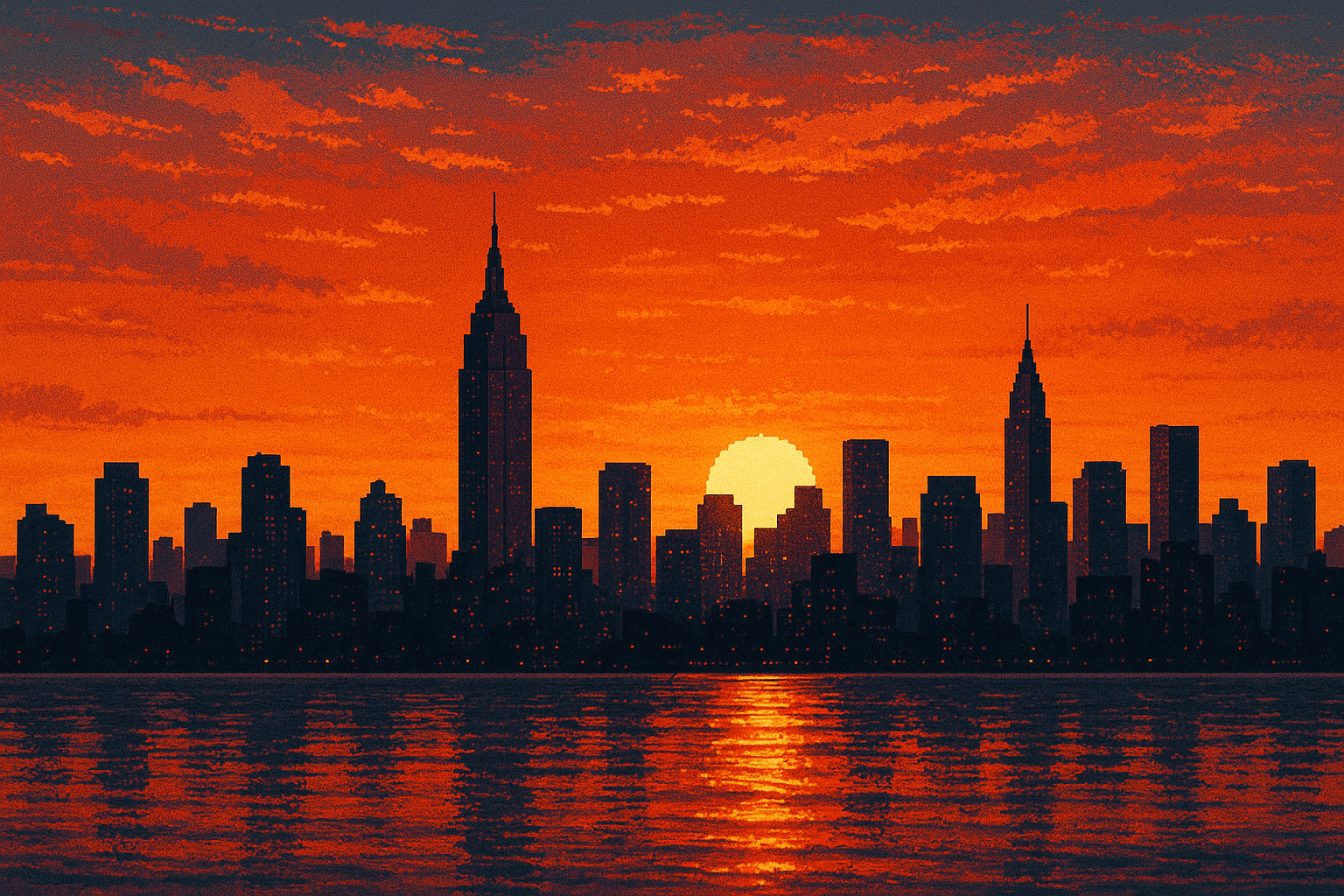
You can use the header file from the class bmp.hpp. You can use the samples bitmap images, sample, and sample1 to test your code.
Project
you can work in groups of 3.
Grading Criteria
Flood Fill
- Correct implementation of the non-recursive flood fill algorithm using a
queueandvisitedmatrix. - Proper handling of boundary conditions.
Square Blur
- Correct implementation of the square blur algorithm.
- Proper handling of image boundaries.
- Ability to adjust blur size.
Bonus: if you compute the Square Blur code in a constant time regadress of the size of blur.